Task-Oriented Documentation: Making Content Findable, Scannable, and Actually Used
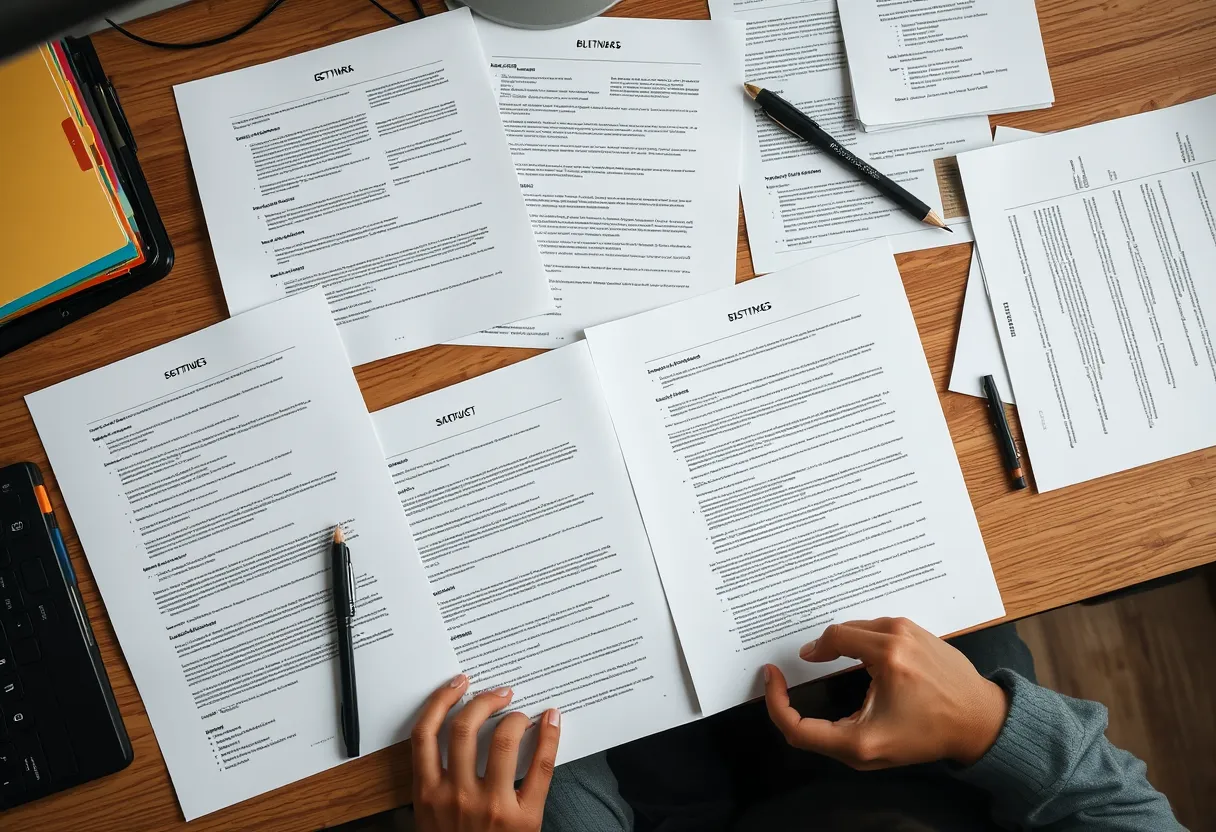
The best-written document in the world is worthless if the reader can't find it, or finds it and can't extract what they need in seconds. Optimised documentation is documentation designed around how people actually use it: they arrive mid-task, they skim, they're looking for one specific answer, and they'll abandon your page for a search engine or a support ticket the moment friction appears.
This guide covers the techniques that turn accurate content into content that gets used — information architecture, minimalism, scannability, and search optimisation. For the underlying craft these techniques rest on, see our beginner's guide to technical writing.
Start With the Task, Not the Feature
The most common failure in documentation is organising content around the product's features instead of the reader's goals. Feature-oriented docs describe what a button does; task-oriented docs help a reader accomplish something. A reader almost never wakes up wanting to "use the Export module" — they want to "get last month's data into a spreadsheet." The documentation that wins is the one whose headings match the goals in the reader's head.
Task orientation changes your titles, your structure, and your table of contents. Titles become goal statements ("Send your first email") rather than feature labels ("Email module overview"). This principle is the backbone of frameworks like Diátaxis, which separates task-based how-to guides from reference and conceptual material precisely because readers approach each with different needs. Google's own guidance on task-based headings makes the same point.
Information Architecture and Findability
Information architecture is how your content is organised, labelled, and connected so people can find things. It's invisible when done well and infuriating when done badly. The core decisions are chunking (how content is divided into pages), sequencing (the order that matches the workflow), labelling (headings and navigation that use the reader's vocabulary, not internal jargon), and cross-linking (connecting related tasks so readers can move sideways).
A findable documentation set has a shallow, predictable hierarchy, a strong search, and consistent navigation. One reliable test: pick a common reader goal and count the clicks and decisions it takes to reach the answer from the homepage. If it's more than two or three, your architecture is working against the reader. For how this fits into a repeatable process, see our documentation lifecycle guide.
Minimalism: Cutting to What the Reader Needs
Minimalism in technical writing — a principle formalised by John Carroll's research — means giving readers exactly what they need to complete their task and nothing more. It is not about being terse; it's about ruthlessly cutting the content that doesn't serve the reader's immediate goal. The lengthy conceptual preamble before a procedure, the exhaustive list of every option when the reader needs one, the restating of what's obvious from the interface — all of it adds cognitive load and buries the signal.
Practically, minimalism means leading with the action, moving background and edge cases into clearly separated sections or links, and trusting the reader's competence. Every sentence should earn its place by advancing the reader toward their goal. This discipline connects directly to reader psychology and cognitive load, which we explore in our article on the psychology of technical writing.
Designing for Scanning, Not Reading
Eye-tracking research consistently shows readers scan technical content in an F-shaped pattern rather than reading linearly. Optimised documentation is built for this behaviour. Use descriptive headings and subheadings so a reader scanning the left margin can locate the right section. Front-load paragraphs with the key point (the "bottom line up front" principle). Use numbered lists for sequences and bulleted lists for options.
Formatting carries meaning: code in monospace, UI elements in bold, warnings in a distinct callout. Short paragraphs, generous white space, and tables for comparative information all reduce the effort of extraction. The goal is that a reader can find and act on the right piece of information without reading a single full sentence they don't need to. Consistency in these conventions — governed by a style guide — is what makes scanning reliable across your whole documentation set.
Optimising for Search and Retrieval
Most readers reach a specific page through search — either your site's internal search or an external engine — not by browsing your navigation. That makes each page's searchability critical. Use the words readers actually search for in titles and headings, include synonyms and error messages verbatim (people paste error text into search), and write clear, self-contained page introductions that summarise what the page delivers.
Increasingly, documentation is also retrieved by AI assistants and in-product help systems, which reward the same qualities: clean structure, one topic per page, defined terminology, and unambiguous headings. Instrument your internal search and pay special attention to queries that return no results — each one is a gap in your content or your labelling. The Google developer documentation style guide offers concrete guidance on writing headings and titles that serve both readers and search.
Measuring Whether It Works
Optimisation without measurement is guesswork. Track the signals that reveal whether documentation is being used successfully: page views weighted by task importance, internal search queries and zero-result searches, time on page interpreted in context, exit rates on procedure pages, and explicit "was this helpful?" feedback. Correlate documentation coverage with support ticket volume — a topic that generates tickets despite having a doc page has a findability or clarity problem.
Run periodic content audits to catch stale, duplicated, or orphaned pages that dilute search and confuse readers. If you want a ready-made framework for auditing and optimising an existing documentation set, Darlo Technical Writing's Documentation Optimisation course includes an audit template and a findability scorecard — explore the course catalogue to put it to work on your own docs.
Documentation Findability Scorecard + Content Audit Template
A free downloadable scorecard for rating your docs on task orientation, scannability, and searchability, plus a spreadsheet template for running a content audit.
What's the difference between task-oriented and feature-oriented documentation?
Feature-oriented documentation describes what each part of the product does; task-oriented documentation helps a reader accomplish a goal. Readers arrive with goals, not feature lists, so task-oriented titles and structure ("Send your first email" rather than "Email module") consistently get used more and generate fewer support tickets.
Does minimalism mean writing as little as possible?
No. Minimalism means giving readers exactly what they need for their task and cutting what doesn't serve it — not being terse for its own sake. A complex task may need a long document; the discipline is ensuring every sentence advances the reader toward their goal rather than adding background they didn't ask for.
How do I know if my documentation is findable?
Measure it. Track internal search queries and especially zero-result searches, count the clicks from your homepage to a common answer, and correlate doc coverage with support tickets. A topic that still generates tickets despite having a page usually has a findability or labelling problem, not a content gap.