The Documentation Development Lifecycle: From Audience Analysis to Continuous Maintenance
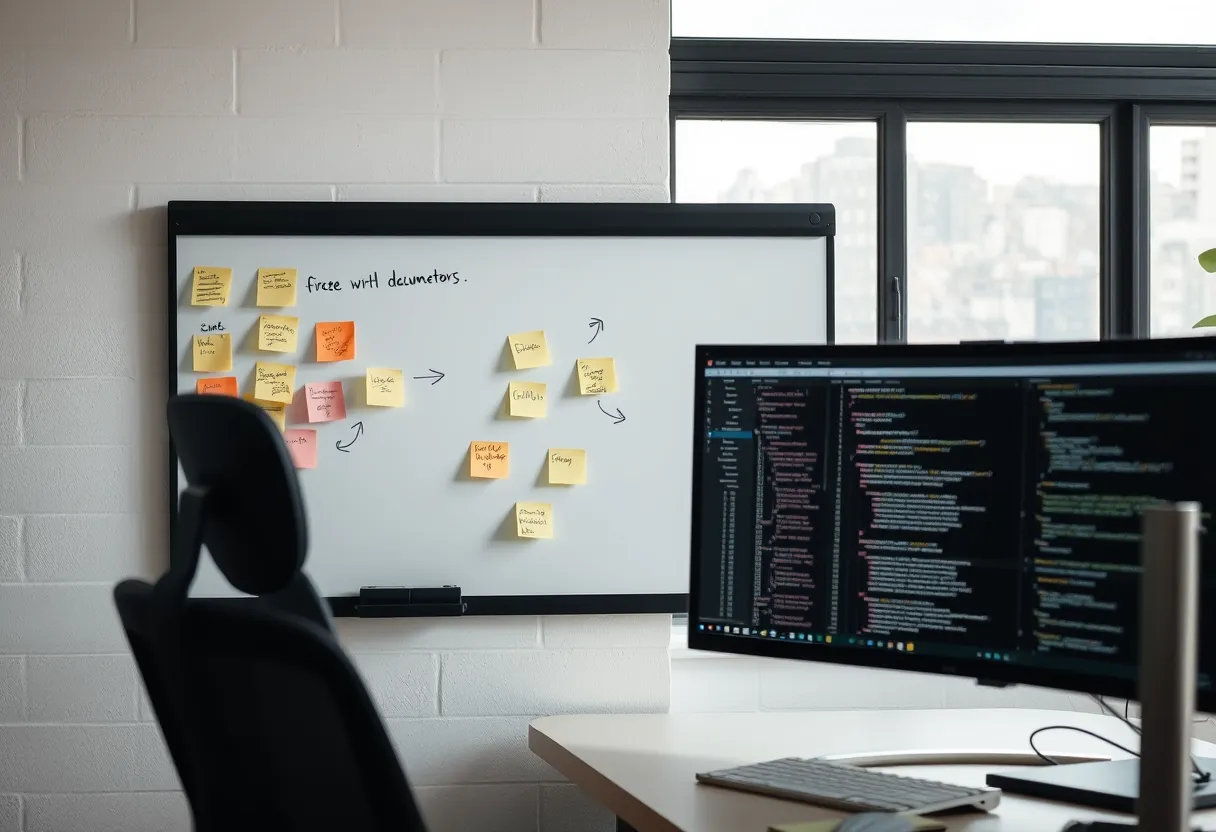
Good documentation is rarely the product of a single writing session. It is the output of a repeatable process — a documentation development lifecycle — that mirrors how software itself is built. Treating technical writing as a defined process, rather than a burst of inspiration, is what lets a team produce consistent, accurate content at scale and know why each decision was made.
This guide breaks that lifecycle into six stages you can apply to any deliverable, from a single how-to article to an entire developer portal. If you're new to the craft, pair this with our beginner's guide to technical writing for the foundational concepts each stage builds on.
Stage 1: Plan and Analyse the Audience
Every documentation project begins with two questions: who is the reader, and what task are they trying to complete? Skipping this stage is the single most common cause of documentation that is technically accurate but useless. Build a lightweight audience profile: what does the reader already know, what tools do they have, what is their goal, and where are they when they read this (mid-incident? evaluating your product? first install)?
From the audience profile you derive scope. Define the deliverable type — tutorial, how-to, reference, or conceptual explanation — because that determines structure before you write a word. Then write a one-line objective for the document: "After reading this, the reader can authenticate to the API and make their first request." That sentence becomes the test you measure the finished piece against.
The community at Write the Docs maintains extensive guidance on planning documentation as a product, and it's worth adopting their habit of defining success metrics up front.
Stage 2: Research and Interview Subject Experts
With scope defined, gather the ground truth. This means reading source code, running the product yourself, testing the actual commands, and — critically — interviewing the engineers or subject-matter experts who own the system. The skill here is asking questions that surface the tacit knowledge experts forget to mention: the undocumented prerequisite, the flag that only matters in production, the error that everyone hits.
Record everything and reproduce it. A cardinal rule of the craft is that you document what actually happens, not what the spec says should happen. If you cannot complete the procedure yourself, you are not ready to write it. This test-it-yourself discipline is what separates trustworthy documentation from the plausible-sounding kind, and it's a theme we return to in our guide on optimised, task-oriented documentation.
Stage 3: Structure and Draft
Structure before prose. Outline the document as a sequence of headings and steps, and validate that the sequence matches the reader's actual workflow. For procedures, each step should be a single action with a visible result. For reference material, choose a consistent template — every endpoint documented with the same fields in the same order — so readers learn the pattern once and reuse it everywhere.
Only after the skeleton is right do you draft the prose, and you draft fast. First drafts are for getting the accurate information onto the page in the right order; polish comes later. Write in the present tense, active voice, and second person, and keep one idea per sentence. Working in a plain-text format like Markdown from the start keeps you focused on content rather than formatting and slots directly into a docs-as-code pipeline — more on that in our docs-as-code toolchain guide.
Stage 4: Review, Edit, and Test
Documentation needs two distinct reviews. The technical review, run by a subject-matter expert, confirms accuracy: are the commands correct, the parameters current, the warnings complete? The editorial review confirms clarity, structure, and style-guide compliance. Keep these separate — an engineer reviewing for accuracy will miss editorial issues, and vice versa.
The most reliable review of all is a fresh reader running the procedure with no prior context. If a new hire can follow your guide to a successful outcome without asking questions, it works. Automate what you can: link checkers, style linters like Vale, and CI checks catch mechanical errors so human reviewers can focus on judgement. Adopting a shared style guide, such as the Google developer documentation style guide, removes most editorial disagreements before they happen.
Stage 5: Publish and Instrument
Publishing is a step, not the finish line. In a docs-as-code setup, merging the pull request triggers a build that renders your Markdown into the published site automatically. But shipping without measurement means you're flying blind. Instrument your documentation: track page views, search queries (especially searches that return nothing), time on page, and any "was this helpful?" feedback.
Those signals tell you where readers get stuck, what content is missing, and which pages carry the load. A spike in support tickets on a topic your docs supposedly cover is a documentation defect, not a support problem. Connecting documentation metrics to outcomes is the foundation of the business case we make in our article on the ROI of documentation.
Stage 6: Maintain It Like a Product
Documentation decays. Every product release, API change, and deprecated feature is a chance for your content to drift out of sync with reality, and stale documentation is worse than none because it destroys reader trust. Build maintenance into the process: tie doc updates to the release cycle, schedule periodic content audits, and use "last reviewed" dates so readers and writers alike know a page's freshness.
The most effective teams make documentation a required part of the definition of done for engineering work — no feature ships without its docs updated in the same pull request. If you want a repeatable framework and ready-made templates for running this lifecycle on your own team, Darlo Technical Writing's Documentation Process Masterclass walks through each stage with worked examples; browse the course catalogue to get started.
Documentation Lifecycle Toolkit: Audience Profile + Technical Review Checklist
A free downloadable set of process templates — an audience-analysis worksheet, a document outline template, and separate technical and editorial review checklists.
How long should the documentation process take?
It scales with the deliverable. A single how-to might move through all six stages in a day or two, while a developer portal is a continuous programme. The point of a defined lifecycle isn't speed for its own sake — it's ensuring no stage is skipped, especially audience analysis and testing, which are the ones most often dropped under deadline pressure.
Who should perform the technical review?
The subject-matter expert who owns the system being documented — usually the engineer who built or maintains it. Their job is to verify accuracy only. Keep it separate from the editorial review so each reviewer focuses on one kind of quality rather than trying to catch everything at once.
How do I know when documentation needs updating?
Watch three signals: product releases that change behaviour, zero-result searches and negative feedback on doc pages, and support tickets on topics your docs already cover. Any of these indicates drift. Tying doc updates to the engineering release cycle prevents most decay before it reaches readers.