The Pre-Publish Documentation Review Checklist: Catch Errors Before Readers Do
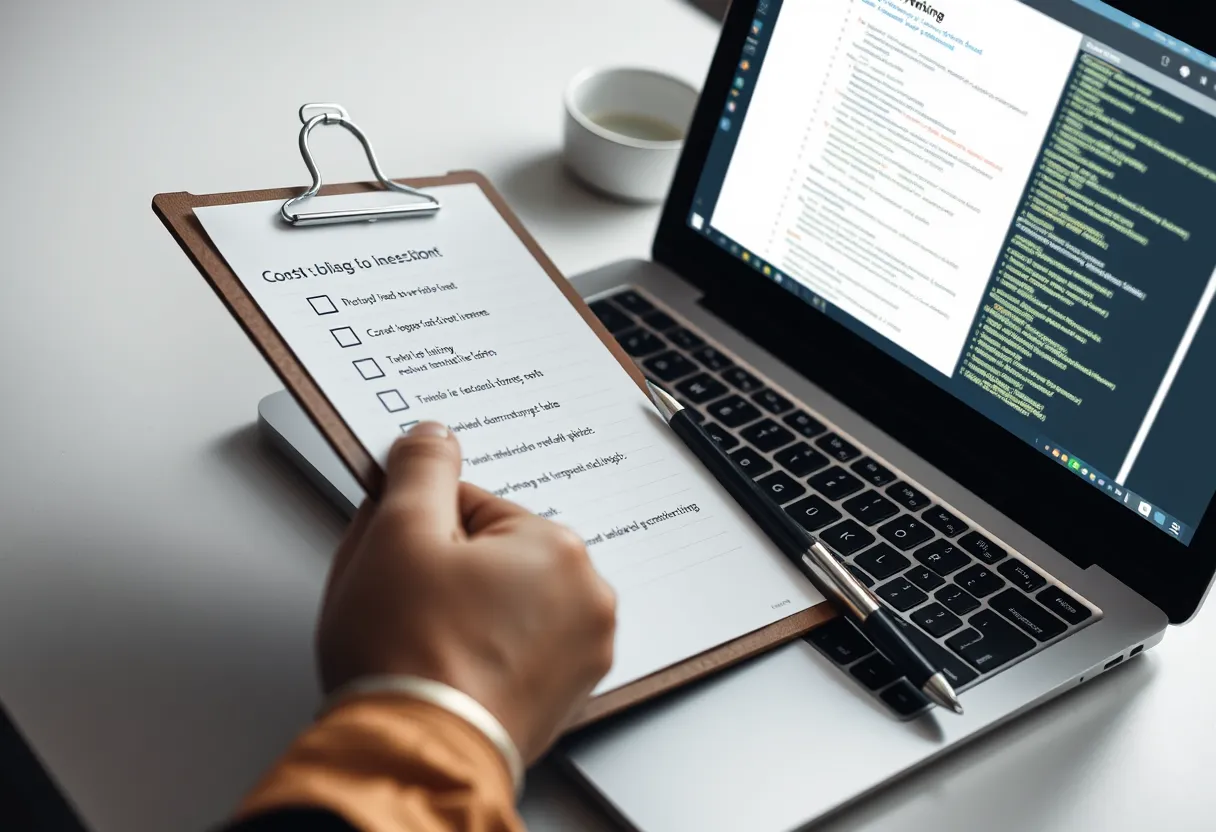
The most experienced technical writers do not rely on catching every error by careful reading — they rely on a checklist. A checklist converts hard-won judgement into a repeatable gate, so nothing slips through because you were tired, rushed, or too close to the draft to see it. The same principle that keeps pilots and surgeons from skipping steps under pressure keeps documentation clean under a deadline.
This is a practitioner's pre-publish review checklist, organised into the categories that matter, with the reasoning behind each item so you can adapt it to your context. Use it alongside the process in our docs-as-code workflow guide, and if you are new, ground yourself first in our beginner's guide to technical writing. The Google developer documentation style guide is the reference many of these style items point to.
Why a Checklist Beats Careful Reading
Careful reading fails predictably. You skim over your own words because you know what they are supposed to say, so your brain supplies the intended meaning rather than the words on the page. Fatigue makes it worse, and deadlines guarantee fatigue. A checklist defeats this by forcing you to ask one specific question at a time — "is every command tested?" — rather than trusting a general sense of quality. It also makes review teachable and consistent across a team: a new writer with the checklist produces closer to expert-level review than a new writer relying on instinct. Run the checklist as discrete passes, not all at once, so each question gets your full attention.
Accuracy: Verify Before You Publish
Accuracy is non-negotiable and the hardest to catch by reading, because a wrong command looks exactly like a right one. Work through: every procedure executed on a clean environment; every command, flag, and file path confirmed against the source; every code sample copy-pasted and run; version numbers pinned rather than "latest"; every UI label matching the current product exactly; and every factual claim confirmed by a subject-matter expert or primary source. The test for each item is behavioural, not visual — did you actually run it, or did you assume it? Assumptions are where documentation errors live, and a reader who hits one wrong command loses trust in the entire document.
Structure and Findability
A correct document that readers cannot navigate still fails. Check that the title accurately describes the content and matches what a reader would search for; that headings are honest signposts a reader can scan; that the most important information appears first (inverted pyramid); that prerequisites are stated before steps, not discovered mid-task; and that the document has a single, clear purpose rather than trying to be a tutorial and a reference at once. Verify that internal cross-links point somewhere useful and that a reader arriving from search — not the top of your site — has enough context to orient. Findability is part of quality: the best answer is worthless if the reader cannot reach it.
Style and Consistency
Consistency is invisible when present and jarring when absent. Confirm terminology is uniform (one term per concept — never "sign in" and "log in" for the same action); voice is active and instructions use the imperative ("Click Save", not "the Save button should be clicked"); tense and person are consistent; number and date formatting follow your style guide; and capitalisation of UI elements and product names is correct throughout. A prose linter such as Vale, configured with the Google or Microsoft ruleset, automates most of this pass and catches drift a human eye glides over.
Accessibility and Inclusivity
Documentation should be usable by everyone, and accessibility is increasingly a legal as well as ethical requirement. Check that every image has descriptive alt text; that headings form a proper nested hierarchy for screen readers (no skipping levels); that link text is descriptive rather than "click here"; that colour is never the only way information is conveyed; and that code blocks are real text, not screenshots, so they can be read aloud and copied. Review language for inclusivity — avoid idioms that do not translate for a global audience, and use plain language that non-native English readers can follow, since your audience is worldwide.
Final Mechanical Checks
The last pass catches the mechanical defects that undermine credibility fastest. Run a link checker on every internal and external link; confirm images load and are correctly sized; check that the page renders correctly on mobile; verify metadata (title tag, description) is set for search; and add or update a "last reviewed" date. To make all of this a one-click habit, our Pre-Publish Documentation Review Checklist template ships as both a printable page and a repository-ready Markdown file you can add to every pull request, and the Darlo Technical Writing editing course drills the full review on real drafts. Explore it at /courses, and pair it with our guide to editing for clarity.
Pre-Publish Documentation Review Checklist
A printable and repository-ready checklist covering accuracy verification, structure, style consistency, accessibility, and final mechanical checks, ready to attach to every pull request.
Why use a checklist instead of just proofreading carefully?
Careful reading fails predictably because your brain supplies the intended meaning rather than the actual words, and fatigue makes it worse. A checklist forces you to ask one specific question at a time, makes review teachable across a team, and catches errors that general proofreading reliably misses under deadline pressure.
What is the most important item on a documentation review checklist?
Accuracy verification — actually executing every procedure and code sample on a clean environment rather than assuming they work. A single wrong command looks identical to a right one and causes readers to lose trust in the entire document, so behavioural verification matters more than visual review.
How do I automate parts of the review?
Use a prose linter such as Vale with the Google or Microsoft ruleset for style and terminology, a link checker for broken links, and CI execution of extracted code samples. These turn subjective checks into objective gates that run on every commit.