Information Architecture for Technical Documentation That Scales
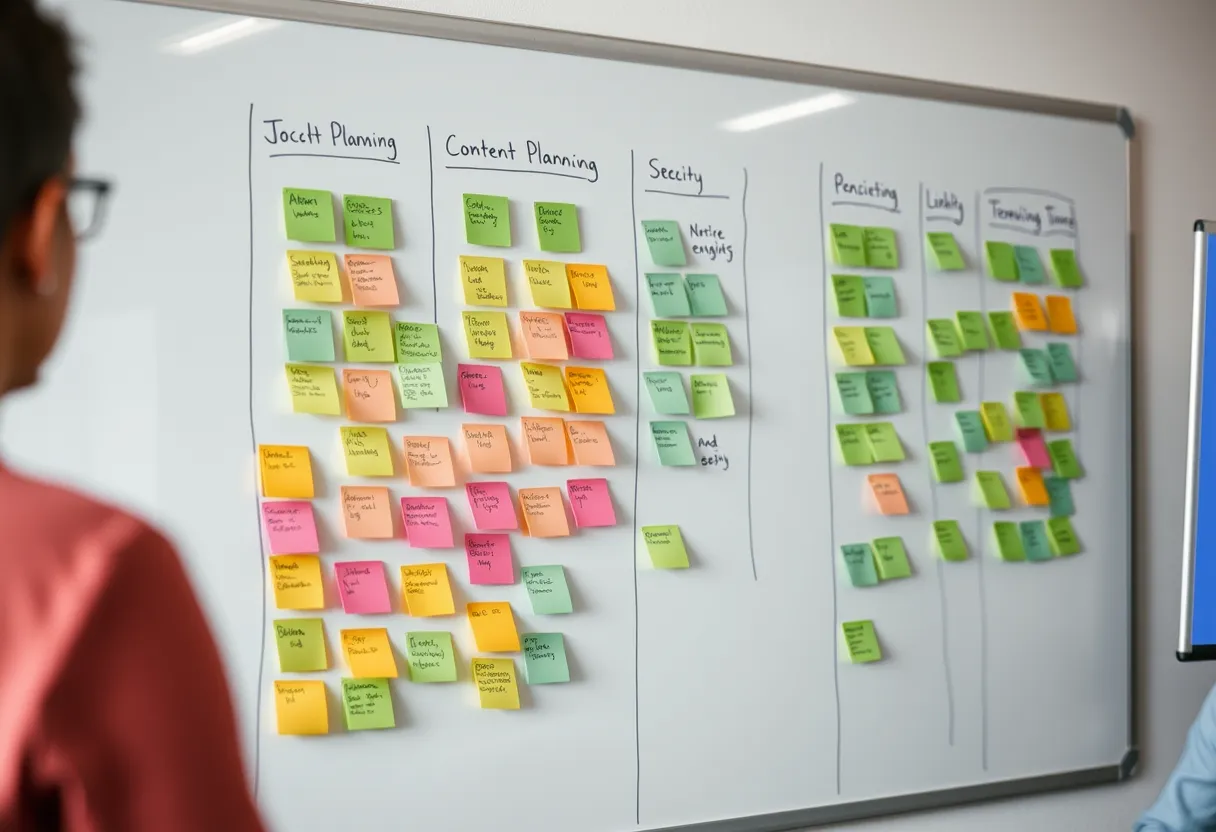
Most documentation does not fail because the writing is bad. It fails because readers cannot find the one thing they need, or because a tutorial, a concept, and a reference are tangled into a single page that serves none of them well. Information architecture — how you organize, label, and connect content — is the discipline that turns a growing pile of pages into a system people can actually navigate.
This is advice for professionals who are past the sentence-level basics and now wrestling with documentation at scale. If you are earlier in the journey, our beginner's guide to technical writing covers foundations, and the companion piece on building a style guide handles consistency. For architecture specifically, the Diataxis framework at diataxis.fr is the clearest modern reference.
Why Structure Beats Volume
Teams under pressure often equate more documentation with better documentation, and end up with sprawling sets where the good content is buried. Readers do not want your docs; they want to accomplish a task and leave. Every page they must wade through is friction. A smaller, well-structured set that answers questions predictably beats an exhaustive one where finding the answer is a scavenger hunt.
Structure also compounds over time. When your architecture makes clear where each new piece of content belongs, writers stop duplicating, readers learn to predict where things live, and the docs stay coherent as they grow. Without that scaffolding, every new page is placed by guesswork, cross-links multiply chaotically, and the set decays into what practitioners call a documentation swamp. Investing in architecture early is the highest-leverage thing a documentation team can do.
The Four Content Types
The single most useful mental model in modern documentation is that readers arrive in one of four modes, and each needs a different kind of content. Tutorials are learning-oriented lessons for beginners. How-to guides are goal-oriented recipes for someone who already knows the basics. Reference is information-oriented lookup material. Explanation is understanding-oriented background and rationale. This is the Diataxis framework.
The insight is not just that these four exist, but that mixing them harms all of them. A tutorial cluttered with reference tables overwhelms the learner; a reference page padded with tutorial hand-holding slows the expert. Separating content by type — and labelling it clearly — lets each page do one job well. When you sit down to write, first decide which of the four you are producing, and let that decision govern tone, depth, and structure. Most confusing documentation is really a category error between these modes.
Task-Based Writing and Minimalism
Task orientation is the principle that documentation should be organized around what users want to do, not around how the software is built. Developers ship features and are tempted to document feature by feature, but users think in goals: "send a notification," "export my data," "connect to the API." Structuring how-to content around real tasks — phrased as the user's goal — dramatically improves findability and relevance.
Minimalism, in the tradition of John Carroll's research, complements this: give readers exactly what they need to act, and no more. Cut throat-clearing introductions, resist documenting the obvious, and get to the steps. Every sentence a reader can skip without loss is a sentence you should have cut. Minimalist, task-based writing respects the reader's time and, paradoxically, makes documentation feel more complete because the relevant content is not diluted by filler.
Navigation, Findability, and Search
Even perfectly organized content fails if readers cannot navigate to it. Findability rests on three pillars: a clear, shallow navigation hierarchy; descriptive, consistent labels; and working full-text search. Navigation should reflect user mental models, not your org chart or codebase structure. Aim for categories a reader can scan and confidently predict what lies beneath.
Labels carry enormous weight. "Getting Started," "Guides," "API Reference," and "Concepts" tell readers exactly what mode of content each contains — which is Diataxis expressed in navigation. Invest in search quality too: most users on large doc sites search before they browse, so tune it, add synonyms, and watch for queries that return nothing. Those empty searches are a free, honest list of the content and labels your architecture is missing.
Topic-Based Authoring and Reuse
As documentation scales across products, versions, and audiences, copy-paste duplication becomes a liability: the same warning or procedure exists in ten places and drifts out of sync. Topic-based authoring solves this by writing self-contained, reusable chunks that can be assembled into different outputs. This is the philosophy behind DITA, the structured XML standard, and it is achievable more lightly with Markdown includes and content fragments.
The benefits are consistency and maintainability: fix a reused snippet once and every page updates. The cost is upfront modeling and tooling complexity, so reserve heavy structured authoring for genuinely large, multi-output documentation sets. Smaller teams get most of the value from simple partials and a shared word list. Whatever the mechanism, the goal is single-sourcing: one authoritative version of each piece of content, referenced wherever it is needed.
Auditing and Evolving Your IA
Information architecture is never finished, because products and audiences change. A periodic content audit — inventorying every page, its type, its owner, its traffic, and its last-updated date — surfaces the duplicates, orphans, and stale pages that accumulate silently. Pair quantitative signals (analytics, search logs, support tickets) with qualitative ones (tree testing, card sorting) to validate that your structure matches how real users think.
Treat the audit as a recurring ritual, not a one-off rescue mission, and give someone clear ownership of the overall architecture so it does not erode page by page. Professionals who master this become indispensable, because they turn chaos into systems. To develop the skill deliberately, the Darlo advanced documentation course includes hands-on IA and content-audit projects, and you can download the free content audit template below to run your first inventory this week.
Documentation Content Audit Template
A spreadsheet template to inventory every page by content type, owner, traffic, and freshness so you can spot duplicates, orphans, and stale pages fast.
What is the Diataxis framework?
Diataxis is a model that divides documentation into four types based on the reader's need: tutorials (learning), how-to guides (achieving a goal), reference (looking up facts), and explanation (understanding). Keeping these separate makes each page clearer and more useful.
How is task-based writing different from feature-based writing?
Feature-based writing documents the software component by component. Task-based writing organizes content around what users want to accomplish, phrased as their goals. Task orientation improves findability because users think in goals, not in features.
Do small teams need topic-based authoring like DITA?
Usually not. Full structured authoring pays off for large, multi-output, multi-version documentation. Small teams get most of the benefit from lightweight single-sourcing such as Markdown includes and a shared terminology list, without the tooling overhead.