The Modern Technical Writing Toolchain: Docs-as-Code and Beyond
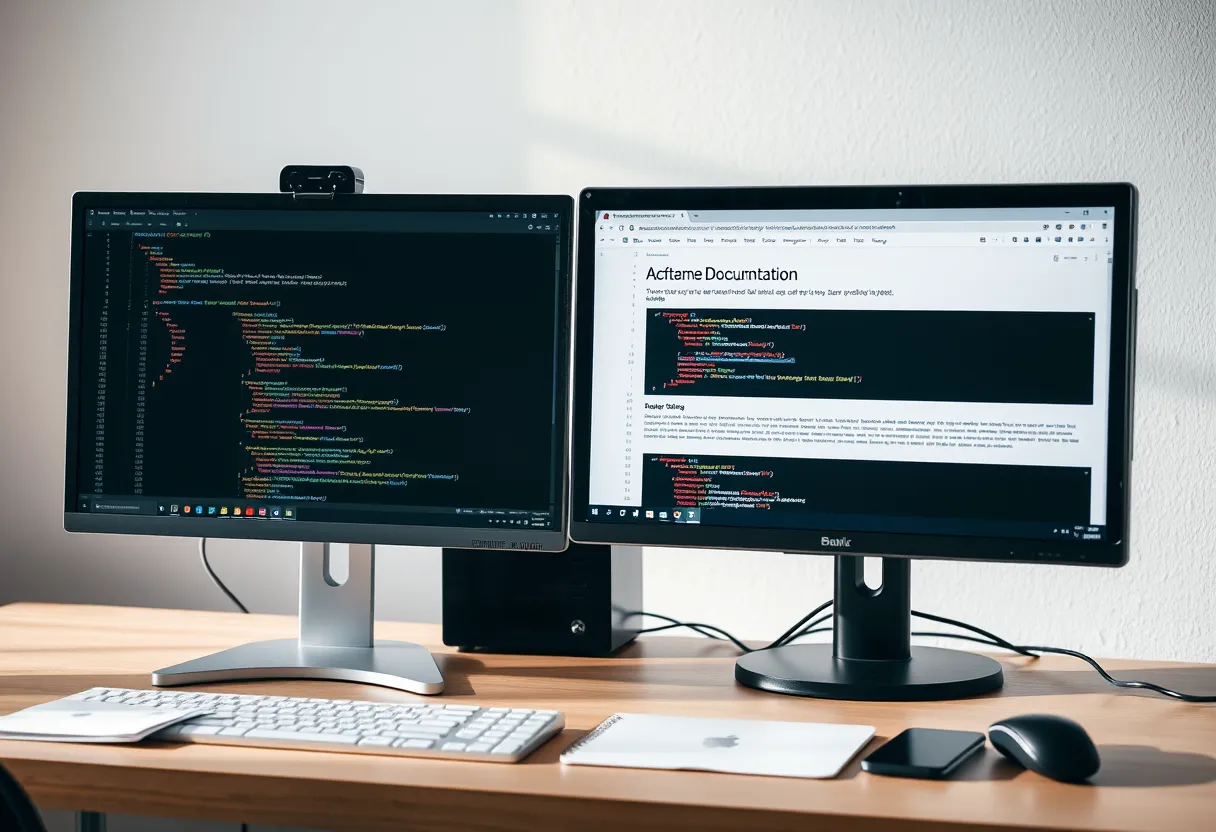
The technical writing tools landscape can feel bewildering because it spans two very different worlds that rarely talk to each other. On one side are traditional help-authoring tools and component content management systems built for structured, single-sourced documentation at enterprise scale. On the other is the docs-as-code movement, which borrows software engineering's entire toolchain — plain-text files, Git, and automated pipelines — and applies it to documentation. Choosing tools without understanding this divide leads to expensive mismatches.
This guide maps the modern landscape so you can navigate it deliberately: the categories of tools, what each is good at, and how to assemble a stack that fits your team rather than following hype. Fluency with these tools is increasingly a hiring requirement, as we cover in our guide to becoming a technical writer, and they sit underneath every practice in our beginner's guide to technical writing. The Write the Docs community maintains excellent, vendor-neutral tool comparisons worth bookmarking.
Two Worlds: CCMS vs Docs-as-Code
Traditional structured-authoring tools — component content management systems (CCMS) and help authoring tools (HAT) like MadCap Flare, Adobe FrameMaker, and Paligo — are built around single-sourcing and content reuse at scale. They excel when you publish the same content to many outputs (PDF, help, print), manage translation into dozens of languages, or work in regulated industries that demand strict content control and audit trails. They typically use the DITA standard or a proprietary equivalent, and they come with a learning curve and licensing cost to match their power.
Docs-as-code takes the opposite philosophy: documentation is plain-text files (usually Markdown) living in a Git repository alongside or near the source code, built and published by automated pipelines. It's the dominant approach for software and API documentation because writers and engineers share one workflow — pull requests, reviews, CI — and because it's low-cost and flexible. Its trade-offs are weaker native support for complex reuse and translation management than a mature CCMS. Neither world is universally better; the right choice depends on your content, team, and industry, which is exactly what the final section addresses.
Authoring Formats: Markdown, reStructuredText, DITA
The format you author in shapes everything downstream. Markdown is the lingua franca of docs-as-code: simple, readable as plain text, and widely supported. Its limitation is that plain Markdown lacks features for complex documentation, which is why extended flavors exist — MDX adds interactive components, and platform-specific variants add admonitions, tabs, and includes. For most software documentation, Markdown or an extended flavor is the pragmatic default.
reStructuredText (reST) is more powerful than plain Markdown, with a richer built-in feature set for cross-references, directives, and extensions; it's the native format of the Sphinx documentation system, popular in the Python world and for large technical projects. DITA (Darwin Information Typing Architecture) is the heavyweight XML standard for structured authoring — it enforces content typing (task, concept, reference), enables sophisticated reuse through content references, and is the backbone of enterprise CCMS workflows. The rule of thumb: Markdown for simplicity and developer proximity, reST for powerful open-source documentation, DITA when reuse and structure at enterprise scale justify the overhead.
Static Site Generators and Publishing
In a docs-as-code setup, a static site generator turns your Markdown or reST source into a fast, searchable documentation website. The category is rich and mature. Docusaurus (React-based, from Meta) is popular for product and developer docs and handles versioning and internationalization well. MkDocs with the Material theme is a Python-based favorite prized for its simplicity and beautiful defaults. Sphinx is the standard for Python and large projects, with powerful cross-referencing. Antora specializes in versioned docs assembled from multiple repositories, and Hugo offers raw build speed for very large sites.
These tools handle navigation, search, syntax highlighting for code, responsive layouts, and often versioning out of the box, which is why teams reach for them instead of building a docs site by hand. For API documentation specifically, tools like Redoc and Swagger UI render an interactive reference directly from an OpenAPI description — a topic we cover in depth in our guide to documenting APIs. The generator you choose largely determines your publishing capabilities, so evaluate it against your needs for versioning, localization, and search before committing.
Version Control and Collaboration
Git is the backbone of docs-as-code and, increasingly, a baseline skill for technical writers. Storing documentation in a Git repository (on GitHub, GitLab, or Bitbucket) gives you a complete change history, the ability to branch and experiment safely, and — crucially — the pull request workflow. Pull requests let subject-matter experts review documentation changes with inline comments, exactly as they review code, and let you require approval before publishing.
This workflow solves problems that plague file-and-email documentation processes: no more "final_v3_REALLY_final.docx," no ambiguity about the current version, and a clear audit trail of who changed what and why. It also enables the automation covered next, because a merge to the main branch can trigger a build and deploy. The learning curve is real for writers new to Git, but it's a few weeks of discomfort in exchange for joining the engineering team's workflow — which is why our career guide lists Git among the essential skills to learn first.
Linters, Style Checkers, and Automation
Automation is where the modern toolchain pulls ahead of manual workflows. Prose linters like Vale check your writing against a style guide automatically — flagging passive voice, banned terms, inconsistent capitalization, and readability issues — and can run in CI so problems are caught before human review. Vale ships with configurations for major style guides including Google's and Microsoft's, so you can adopt a professional standard in minutes and enforce it consistently across every contributor.
Beyond prose linting, continuous integration pipelines can run link checkers to catch broken references, execute code samples to verify they still work, validate OpenAPI descriptions against the live API, and automatically build and deploy the docs site on every merge. This "docs testing" discipline — treating documentation quality checks like a software test suite — turns quality from a periodic manual audit into a continuous guarantee. The payoff compounds: reviewers stop wasting time on mechanical style issues and focus on accuracy and clarity, while broken links and stale examples get caught mechanically rather than by an embarrassed reader.
Choosing the Right Stack
There is no universally best toolchain; there's only the right fit for your context. Ask a few grounding questions. Who writes the docs — dedicated technical writers, or engineers contributing alongside code? Docs-as-code suits engineer-heavy contribution; a friendlier authoring tool may suit non-technical contributors. How much content reuse and translation do you need? Heavy reuse across many outputs and languages favors a structured CCMS; a single web output favors docs-as-code. What's your industry? Regulated fields may mandate the audit and control features of enterprise tools.
Resist two failure modes: adopting a heavyweight CCMS for a simple website, and forcing plain Markdown to do enterprise single-sourcing it wasn't built for. Match the tool to the job, and remember that migrating later is costly, so choose deliberately. If you want a guided path through evaluating and setting up a modern docs stack, Darlo Technical Writing's Docs-as-Code course builds a complete pipeline — Markdown, Git, a static site generator, and Vale linting in CI — on a real project, and a free tool-selection checklist is available to help you compare options against your team's actual needs.
Documentation Tool Selection Checklist
A decision checklist comparing CCMS and docs-as-code across authoring format, reuse, translation, contributor type, and industry — so you choose a stack you won't have to migrate off.
What is docs-as-code and should I use it?
Docs-as-code means writing documentation as plain-text files (usually Markdown) stored in a Git repository and published by automated pipelines, using the same tools engineers use. It's the dominant approach for software and API docs because writers and engineers share one workflow. It suits teams where engineers contribute and you publish mainly to the web; heavy reuse and multi-language translation may favor a structured CCMS instead.
Do I need to learn Git to be a technical writer?
Increasingly, yes — especially for software and developer documentation. Git enables the pull request review workflow, version history, and automation that define modern docs teams. It's a few weeks of learning curve, but it lets you join the engineering team's process and is now a common hiring requirement for technical writing roles.
Which documentation format should I choose: Markdown, reStructuredText, or DITA?
Use Markdown (or an extended flavor) for simplicity and developer proximity — it's the pragmatic default for most software docs. Choose reStructuredText with Sphinx for powerful open-source and Python documentation. Reserve DITA for enterprise structured authoring where sophisticated content reuse and typing at scale justify the added overhead.