Structuring Documentation People Actually Finish Reading
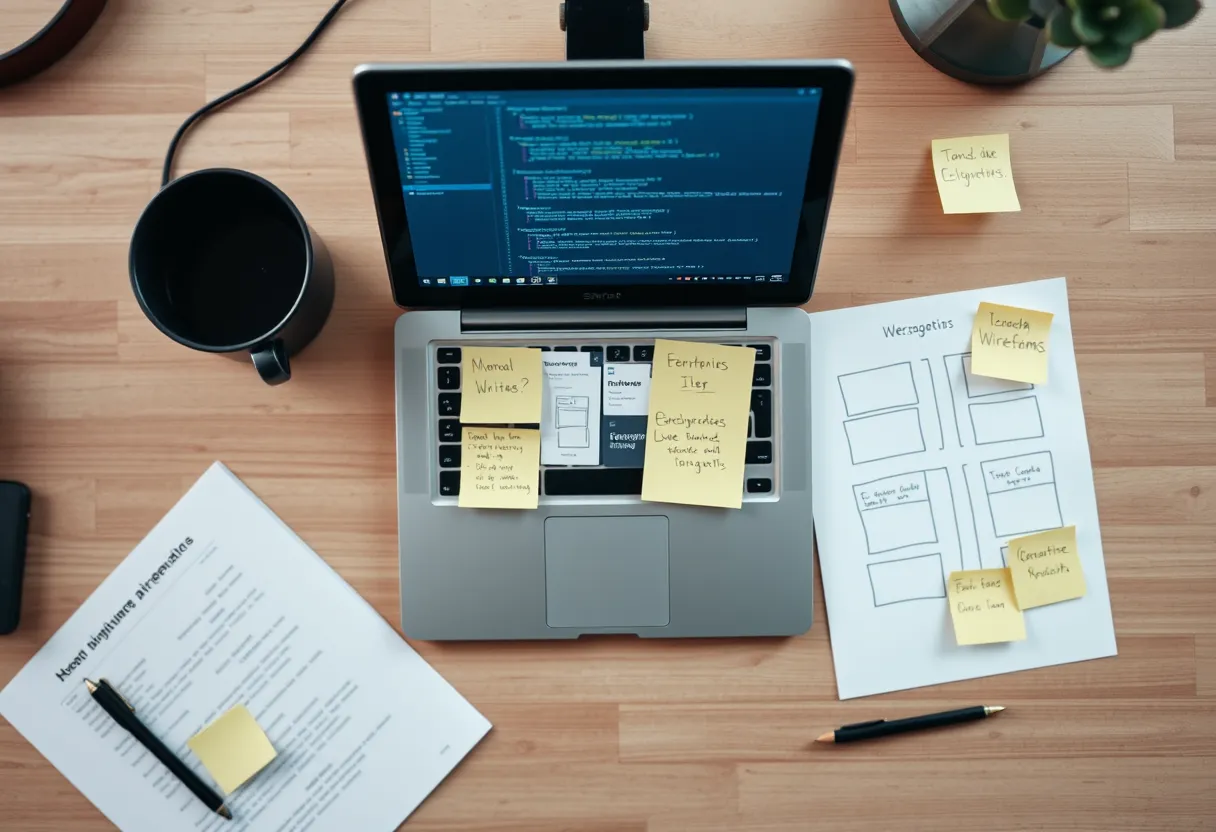
Most documentation fails not because the writing is bad, but because it is structured for the person who built the product instead of the person trying to use it. Engineers organize docs around the system's architecture; users arrive with a goal and a deadline. The gap between those two mental models is where readers get lost, file support tickets, and quietly conclude your product is harder than it is.
Effective documentation is an act of structure before it is an act of prose. The technical writing best practices below come from decades of accumulated craft in the field — the Information Mapping tradition, minimalism research pioneered by John Carroll, and the docs-as-code movement documented by Write the Docs. Master these and even average sentences will outperform beautiful prose trapped in a bad outline. For the underlying skills, start with our beginner's guide to technical writing.
Start With Tasks, Not Features
The single highest-leverage decision in documentation structure is organizing around user tasks rather than product features. A feature-oriented outline mirrors your settings menu: "Notifications," "Integrations," "Permissions." A task-oriented outline mirrors user intent: "Send an alert when a build fails," "Connect your Slack workspace," "Give a teammate read-only access." Users search with verbs and goals, not with your feature taxonomy.
To find real tasks, mine your support tickets, community forum, and search logs. The questions users actually ask are your table of contents. Write topic titles as tasks the user can complete — ideally beginning with an imperative verb — and keep each topic focused on one goal. When a topic starts sprawling into three loosely related jobs, that is your signal to split it. Task-based structure also makes maintenance easier: when a feature changes, you update the two or three task topics it touches instead of one monolithic page. Our companion piece on clear sentence-level writing covers how to phrase those procedures once the structure is right.
Apply Minimalism: Cut What Doesn't Help
Minimalism in technical writing does not mean writing less for its own sake; it means removing everything that stands between the reader and their goal. Carroll's research showed that users skip introductions, ignore conceptual preambles, and jump straight to steps. So put the action first. Delete throat-clearing sentences like "This section will describe how to..." and start with the step or the answer.
Practical minimalism looks like this: cut redundant restatements, remove obvious steps ("Open the application" when the user is already in it), and resist documenting the interface label-by-label when a screenshot or a single sentence suffices. Every sentence should earn its place by helping the reader do something or avoid an error. A useful test: if you deleted a sentence and no reader would ever be worse off, it was padding. This discipline is harder than writing more — it requires you to know exactly what the reader needs and trust them with the rest.
Design for Scanning, Not Reading
Users do not read documentation linearly; they scan for the piece that matches their problem, then read that piece closely. Structure the page so scanning works. Use descriptive, keyword-rich headings that stand alone ("Configure SSO with Okta," not "Configuration"). Front-load paragraphs so the first sentence carries the point. Convert sequential instructions into numbered lists and parallel options into bulleted lists. Use tables for anything with two dimensions, such as parameters and their meanings.
Visual hierarchy is content structure made visible. Bold the UI elements users click, use code formatting for anything they type, and reserve callouts (notes, warnings, tips) for genuine exceptions so they retain their signalling power. A page that is all warnings has no warnings. Chunk long topics with subheadings every few paragraphs so a reader can navigate by eye. The goal is that someone can land on the page, scan for ten seconds, and know whether they are in the right place.
Single-Source and Reuse Content
Duplicated content is the silent killer of documentation quality. When the same procedure lives in three places, two of them will eventually go stale, and readers can't tell which is current. Single-sourcing means writing a piece of content once and reusing it everywhere it's needed. In structured authoring systems like DITA, this happens through content references (conrefs) and topic reuse; in docs-as-code setups, through includes, snippets, and variables.
Even without heavy tooling, you can apply the principle: maintain one canonical topic per concept and link to it rather than copy it. Define product names, version numbers, and URLs as variables so a single edit propagates everywhere. This is also the foundation of localization at scale — reused source segments translate once and appear everywhere, dramatically cutting translation cost. Structuring for reuse from the start is far cheaper than untangling duplication later.
Build a Consistent Style Foundation
Consistency reduces the reader's cognitive load: when "click," "tap," and "select" all mean the same action but appear randomly, readers waste effort deciding whether the difference is meaningful. A style guide fixes this. You don't need to write one from scratch — adopt an established base like the Google developer documentation style guide or the Microsoft Writing Style Guide, then layer a short product-specific supplement on top for your terminology and UI conventions.
Document decisions that recur: voice (second person, present tense, active voice), how you format code and UI elements, how you write procedures, and a controlled vocabulary for key terms. Enforce it with automated linters like Vale where possible, so the guide is checked in CI rather than argued in review. To make adoption painless across a team, Darlo Technical Writing offers a downloadable style-guide checklist and a full Documentation Best Practices course that walks through building a house style your whole team will actually follow.
Test Your Docs With Real Users
You cannot judge your own documentation's clarity because you already know the answer. Documentation testing closes that blind spot. The cheapest form is a five-minute usability test: give someone unfamiliar with the feature the task and the doc, then watch silently as they attempt it. Every hesitation, wrong turn, and re-read marks a structural weakness. Do not explain — just note where they stumble.
Instrument published docs, too. Page analytics reveal which topics get traffic and which get abandoned; on-page "Was this helpful?" widgets surface problem pages; and site-search queries with no good result tell you what's missing. Treat documentation as a product with a feedback loop, not a deliverable you ship and forget. The best documentation teams review these signals on a cadence and fold the findings back into structure — which brings the whole practice full circle to task-based organization. For deeper metrics on developer-facing docs specifically, see our guide to measuring API documentation with usage data.
Documentation Structure Checklist
A one-page checklist covering task-based topics, minimalism, scannable layout, single-sourcing, and doc testing — audit any page in five minutes before you publish.
Should documentation be organized by feature or by task?
By task. Users arrive with a goal expressed as a verb, not with your feature taxonomy. Organize topics around jobs users want to complete, mine support tickets and search logs to find those tasks, and title each topic as an action. Feature-based structure is easier for the writer but consistently harder for the reader.
What does minimalism mean in technical writing?
Minimalism means removing everything between the reader and their goal — not writing less arbitrarily. It comes from John Carroll's research showing users skip introductions and jump to steps. In practice: put the action first, cut throat-clearing sentences, remove obvious steps, and let every sentence earn its place by helping the reader do something or avoid an error.
How do I know if my documentation is actually working?
Test it with real users and instrument the published pages. A five-minute usability test — watching someone unfamiliar attempt the task with only your doc — exposes structural weaknesses instantly. Combine that with page analytics, "Was this helpful?" feedback, and no-result search queries to find gaps, then fold the findings back into structure on a regular cadence.