Structuring Documentation That People Can Actually Navigate
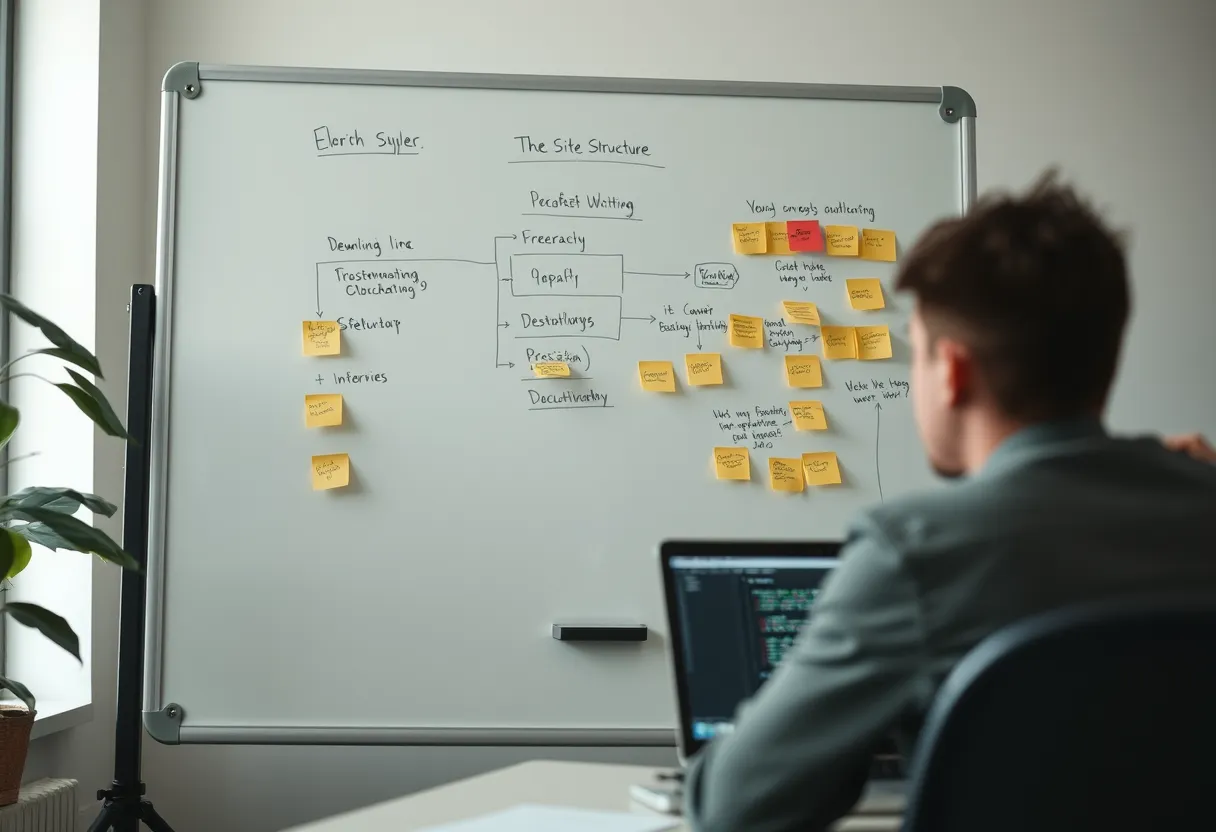
Most documentation doesn't fail at the sentence level. The sentences are usually fine. It fails at the structural level: the right information exists somewhere, but the reader can't find it, can't tell which page answers their question, or lands in a tutorial when they wanted a reference table. Structure — not prose polish — is where the biggest gains in usability hide.
Thinking structurally means treating a documentation set like a designed system: a coherent architecture of pages, each with a clear job, connected by navigation that matches how readers actually search. This article covers the models and techniques professionals use to build that system. For the broader craft, start with our beginner's guide to technical writing, then come back here to focus on architecture.
Structure Is the Real Product
Readers don't read documentation the way they read a novel. They arrive mid-task, often frustrated, scanning for the one thing that unblocks them. Research on how people use online help consistently shows behavior that is impatient and non-linear: they land from a search engine, skim headings, jump to code blocks, and bail the moment a page feels wrong for their need. Your structure has to survive that behavior.
That means every page should answer, in its first screen, three implicit questions: what is this page, who is it for, and is it the page I need? A clear title, a one-line summary of scope, and predictable section ordering do more for usability than any amount of elegant phrasing buried three paragraphs down. Structure is what lets a stressed reader trust that they're in the right place.
Separate the Four Jobs Documentation Does
The single most useful structural model in modern documentation is Diátaxis, which recognizes that documentation serves four distinct needs that should not be mixed on one page. Tutorials teach a beginner through a guaranteed success. How-to guides help a competent user achieve a specific goal. Reference material provides dry, complete, lookup-oriented facts. Explanation provides understanding and context. Each has a different tone, structure, and reader mindset.
The practical payoff is enormous. When you stop trying to make one page teach, guide, list, and explain all at once, each page gets shorter, clearer, and easier to maintain. A reader mid-task hits a how-to guide with no theory in the way; a curious reader finds explanation without wading through click-by-click steps. The Write the Docs community documents this and related patterns extensively in its free documentation guide, which is worth bookmarking.
Chunking, Headings, and Scannability
Within a page, structure comes from chunking: breaking content into self-contained units under descriptive headings. A good heading is a promise about what follows, phrased the way a reader would search — "Configure SSL certificates," not "Certificates." Task-oriented headings that begin with a verb are easier to scan than noun-only labels because they map directly to what the reader wants to do.
Support scannability with the classics: short paragraphs, numbered lists for sequential steps, bulleted lists for non-sequential options, tables for parameters, and generous use of code blocks. Front-load each paragraph with its main point so a skimmer who reads only the first sentence still extracts the gist. The goal is a page a reader can navigate at speed and drop into at any heading without losing the thread.
Navigation and Findability
A documentation set lives or dies by navigation. Three systems work together: the sidebar or table of contents (the map), on-site search, and internal cross-links (the connective tissue). The sidebar should reflect the reader's mental model, grouping content by task and topic rather than by your internal team structure. If your navigation mirrors your org chart, readers will feel it.
Search deserves real attention because a large share of readers arrive via a query, whether from Google or your in-site search box. Write descriptive titles and headings, include the terms real users use (not just internal jargon), and add cross-links between related pages so a reader who lands in the wrong place can self-correct in one click. For more on writing findable content, see our companion piece on documenting APIs clearly.
Single-Sourcing and Content Reuse
As a documentation set grows, duplication becomes a maintenance trap: the same warning, prerequisite, or code snippet copied across a dozen pages, guaranteed to fall out of sync. Single-sourcing solves this by authoring a piece of content once and including it wherever needed. Structured authoring standards like DITA were built for exactly this, and most static-site generators offer lighter equivalents — Sphinx includes directives, MkDocs has snippet plugins, and Docusaurus supports MDX components.
Reuse isn't only about efficiency; it's about consistency and trust. When a prerequisites block is defined once and transcluded everywhere, updating it once updates it everywhere, and readers never encounter two versions of the truth. Even lightweight reuse — a shared includes folder of common warnings and snippets — pays off quickly on any project past a few dozen pages.
Keeping Documentation Alive
The best-structured documentation still rots if nobody maintains it. Outdated docs are worse than no docs because they actively mislead. Bake maintenance into your workflow: adopt docs-as-code so documentation changes ride alongside code changes in the same pull request, add a "docs" checkbox to your definition of done, and schedule periodic content audits to catch drift.
Instrument your docs, too. Analytics reveal which pages get traffic and which are dead weight; search logs reveal the terms readers use and the queries that return nothing useful. Feedback widgets ("Was this helpful?") surface pain points you'd never guess. If you want a ready-made system for this, Darlo Technical Writing's Documentation Architecture course includes a downloadable content-audit template and a page-inventory spreadsheet that make ongoing maintenance routine rather than heroic. Browse it and related courses at /courses.
Documentation Content Audit Checklist
A downloadable checklist and page-inventory template for auditing an existing documentation set — spot outdated pages, broken links, duplicated content, and structural gaps in an afternoon.
What is the Diataxis framework in simple terms?
It's a way of organizing documentation into four types based on what the reader needs: tutorials (learning), how-to guides (doing a specific task), reference (looking up facts), and explanation (understanding why). Keeping these separate makes every page clearer and easier to maintain.
How should I organize my documentation sidebar?
Organize it around the reader's tasks and mental model, not your internal team structure. Group related tasks together, use verb-led labels, and put the most common getting-started paths near the top so new users find them without hunting.
How often should documentation be updated?
Update docs in the same pull request as the code or product change they describe, so they never drift. On top of that, run a scheduled content audit — quarterly for active products — to catch outdated screenshots, dead links, and pages that no longer match reality.