Structuring Technical Content: Information Architecture for Docs That Get Used
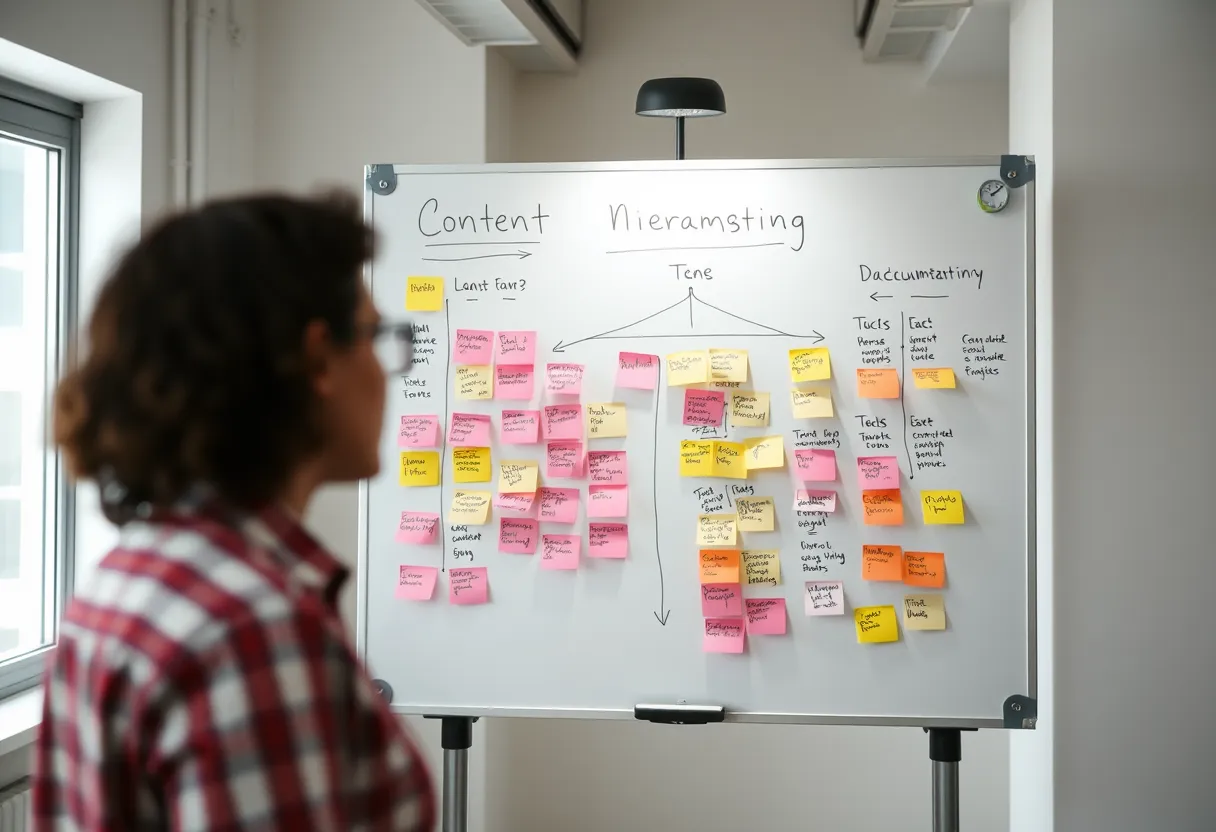
Two documents can contain identical facts and yet one gets used while the other gets ignored. The difference is almost always structure. Readers arrive at documentation mid-task, anxious, and scanning — they need the right chunk of information in the right shape at the right moment. Content architecture, not prose polish, is what delivers that. It is one of the most underrated technical writing best practices because it works invisibly: when structure is good, readers never notice it; when it is bad, they feel lost without knowing why.
This article treats structure as a design discipline. We cover the topic types that professional documentation teams reuse, the minimalist mindset that keeps content lean, and the navigation and reuse patterns that keep large doc sets coherent as they grow. If you are still assembling the fundamentals, our beginner's guide to technical writing lays the groundwork, and our piece on writing for clarity pairs naturally with everything below.
Why Structure Beats Prose
People do not read documentation linearly. Eye-tracking studies consistently show an F-shaped scanning pattern: readers skim the top, jump down the left edge, and dive in only where a heading or bolded phrase signals relevance. Structure is how you cooperate with that behaviour instead of fighting it. A well-structured page answers three questions instantly — where am I, what can I do here, and where do I go next — before the reader has read a full sentence. That means predictable heading hierarchies, task-first ordering, and self-contained sections that make sense even when the reader lands on them from a search engine rather than the table of contents. The Microsoft Writing Style Guide is a strong reference for how consistent structure and formatting reinforce meaning across a large content set.
Topic Types: Concept, Task, Reference
Professional documentation separates content by type rather than mixing everything into narrative articles. The three foundational types, formalised in the DITA standard, are concept (explains what something is and why it matters), task (a numbered procedure for accomplishing a goal), and reference (structured lookup data such as API parameters, configuration keys, or error codes). Keeping these distinct is powerful: a reader who wants to do something should not have to wade through conceptual background, and a reader who wants to understand a system should not be trapped inside a step list. Design each page around a single type and a single purpose. When a topic starts trying to be all three at once, split it and link between the pieces.
Minimalism and the Fewest Words That Work
Minimalism, pioneered by John Carroll's research on how people actually learn software, is the practice of giving readers the least they need to succeed and no more. Cut throat-clearing introductions, obvious steps ("Open the application" when the reader is already inside it), and defensive over-explanation. Every sentence you remove is a sentence the reader does not have to process and you do not have to maintain. Minimalism is not about being terse to the point of unhelpfulness; it is about respecting that the reader wants to finish a task, not read an essay. A practical test: delete any sentence and ask whether the reader could still complete the task. If yes, leave it deleted.
Headings, Hierarchy, and Navigation
Headings are the load-bearing structure of any document. Write them as informative, parallel, task-based phrases — "Configure single sign-on," "Rotate an API key" — so the table of contents reads like a menu of things the reader can accomplish. Maintain a strict hierarchy: never skip from H2 to H4, because screen readers and generated navigation both rely on that nesting. Keep the depth shallow; if you find yourself at a fourth or fifth heading level, the page is probably trying to hold too much and should be split. Good headings also power on-page search and deep-linking, so a reader can share a URL that lands a colleague exactly on the relevant step.
Single-Sourcing and Content Reuse
As a doc set grows, duplication becomes the enemy. The same installation warning or authentication note ends up copied into a dozen pages, and when it changes, some copies get updated and some do not. Single-sourcing solves this by writing a chunk once and including it everywhere it is needed. In a docs-as-code workflow you achieve this with includes, snippets, or reusable components; in structured authoring you use DITA content references (conref). The discipline that makes reuse work is the same structure we have discussed: self-contained, type-consistent topics that carry no assumptions about the page around them. Design content to be portable and reuse becomes almost free.
Structuring for Maintenance
Documentation is never finished; it is maintained. Structure your content so that the most volatile information lives in the fewest places. Reference tables for API parameters, version numbers, and configuration defaults should be generated from a source of truth wherever possible — for example, rendering API reference directly from an OpenAPI specification rather than hand-typing it. Isolate anything that changes per release into clearly marked, easily locatable sections. Add ownership metadata and review dates so stale content is visible rather than silently rotting. To build these skills end to end, our Information Architecture for Documentation course at Darlo Technical Writing walks you through modelling a real product's content, and includes a downloadable topic-type template pack you can drop into your own docs repo. Explore the full curriculum at /courses. For community patterns on structuring large doc sets, the Write the Docs guide is an excellent ongoing reference.
Topic-Type Template Pack (Concept / Task / Reference)
Three ready-to-use Markdown templates with the correct structure, headings, and prompts for concept, task, and reference topics — drop them straight into your docs repo.
What are the main topic types in technical documentation?
The three foundational types are concept (what something is and why it matters), task (a numbered procedure to accomplish a goal), and reference (structured lookup data like API parameters or error codes). Keeping them distinct makes content easier to use and maintain.
Does minimalism mean writing as little as possible?
No. Minimalism means giving readers exactly what they need to succeed and cutting everything that does not serve the task. The goal is completion, not brevity for its own sake — you keep every sentence that genuinely helps.
How does structure help with maintaining large doc sets?
Self-contained, type-consistent topics can be reused through single-sourcing, so a chunk is written once and included everywhere. Generating reference content from sources like an OpenAPI spec also keeps volatile information in one place instead of scattered copies.